Configuring and Securing ACR and AKS
Introduction
This lab walkthrough documents the configuration and security of Azure Container Registry (ACR) and Azure Kubernetes Service (AKS), including role assignments, firewall rules, DNS settings, and validation steps. It demonstrates real-world cloud security practices using Azure CLI, PowerShell, and the Azure Portal.
Step 1: Launch Cloud Shell and Prepare for AKS Deployment
I began by launching Azure Cloud Shell and reviewing the tutorial instructions for deploying AKS and ACR. This step sets the foundation for the lab.
📸 Screenshot:
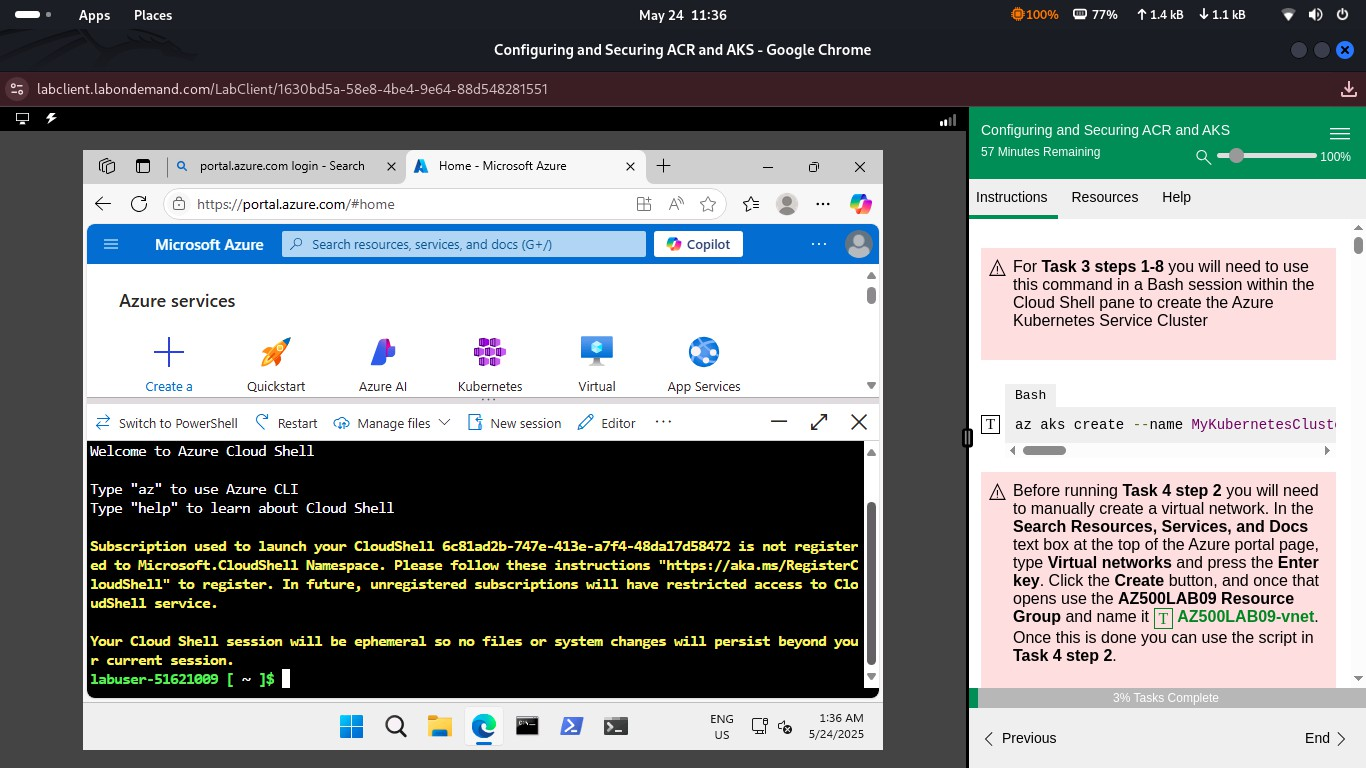 Step 1 – Cloud Shell and AKS Setup
Step 2: Troubleshoot Deployment Policy Restriction
While deploying the AKS cluster, I encountered a policy error due to location restrictions. Azure Policy blocked the resource creation, which I resolved by selecting an approved region.
📸 Screenshot:
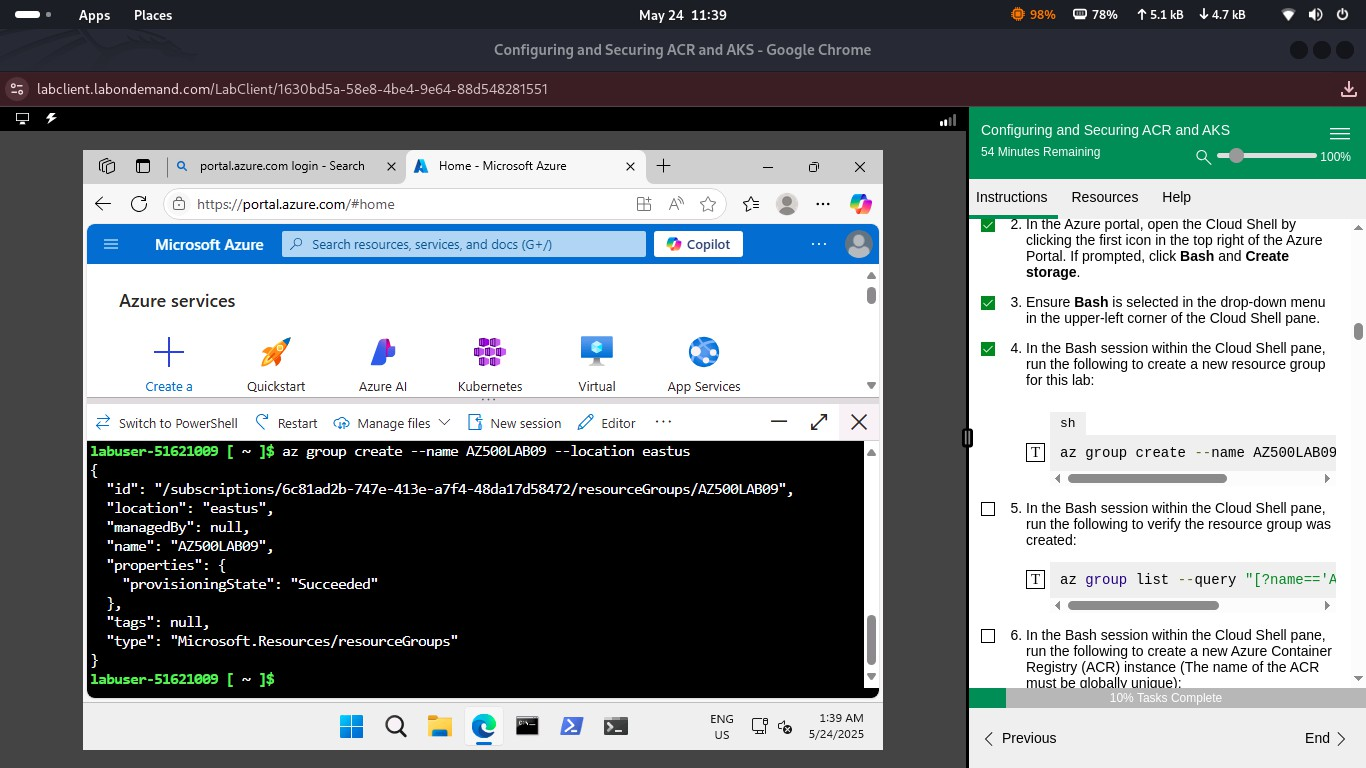 Step 2 – Deployment Policy Error
Step 3: View Resource Groups in Azure Portal
I reviewed existing resource groups to confirm the correct environment and subscription context before proceeding with cluster and registry setup.
📸 Screenshot:
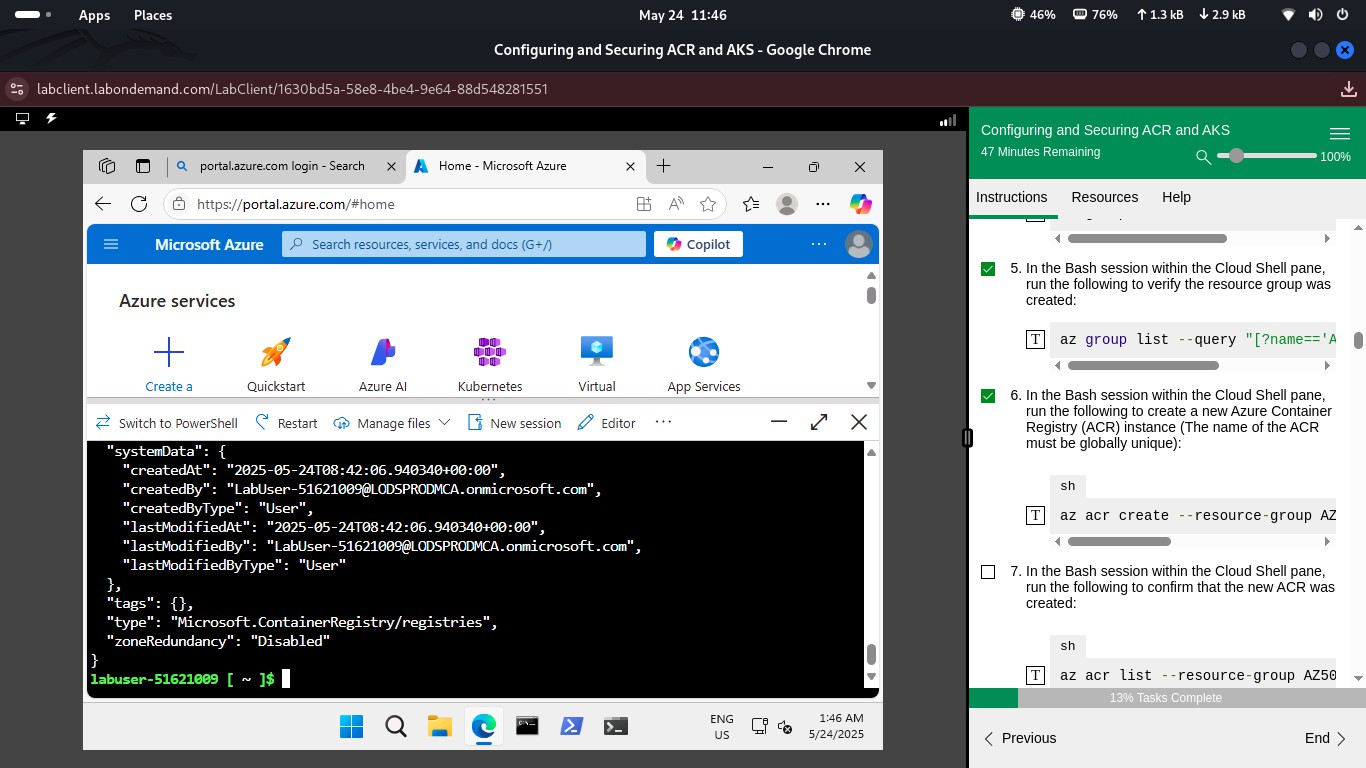 Step 3 – Resource Groups Overview
Step 4: Assign AcrPull Role to AKS Identity
To allow AKS to pull images from ACR securely, I assigned the AcrPull role to the cluster’s managed identity using the Azure Portal.
📸 Screenshot:
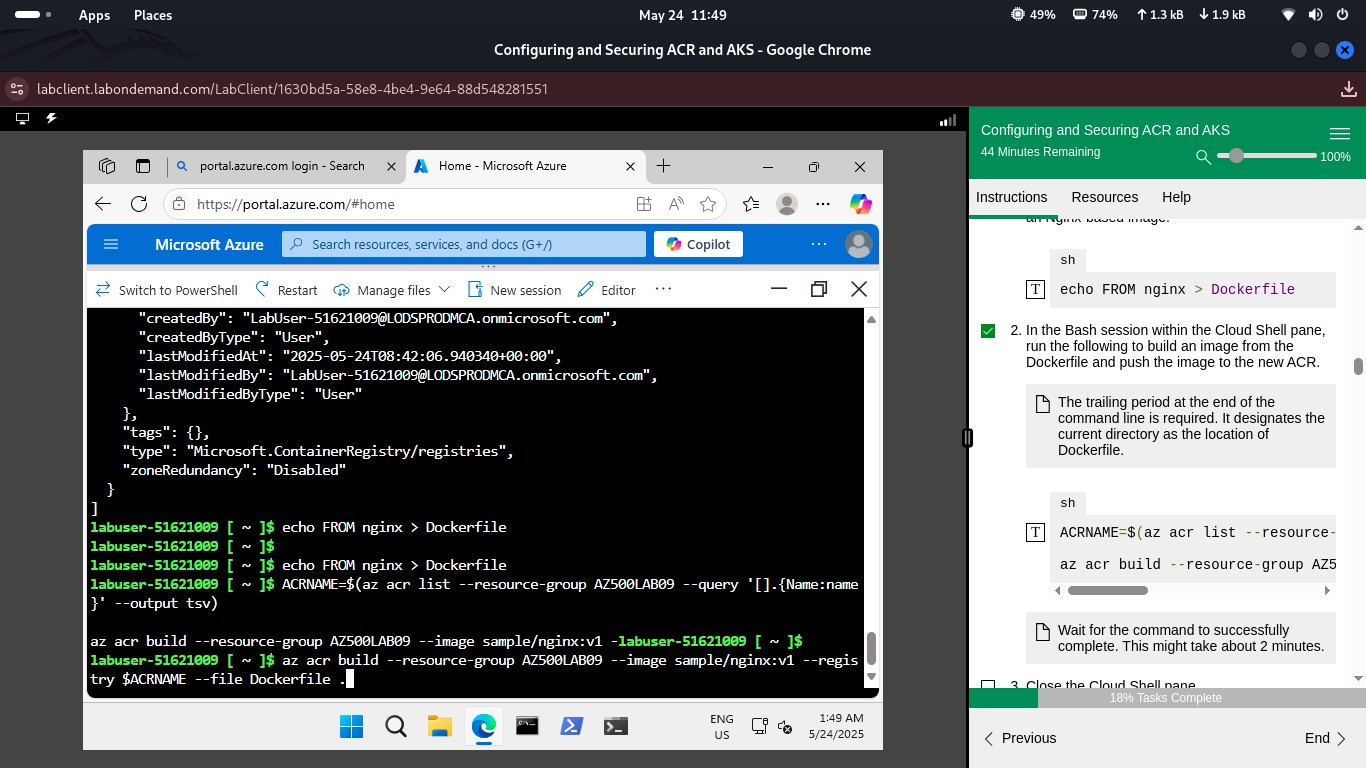 Step 4 – AcrPull Role Assignment
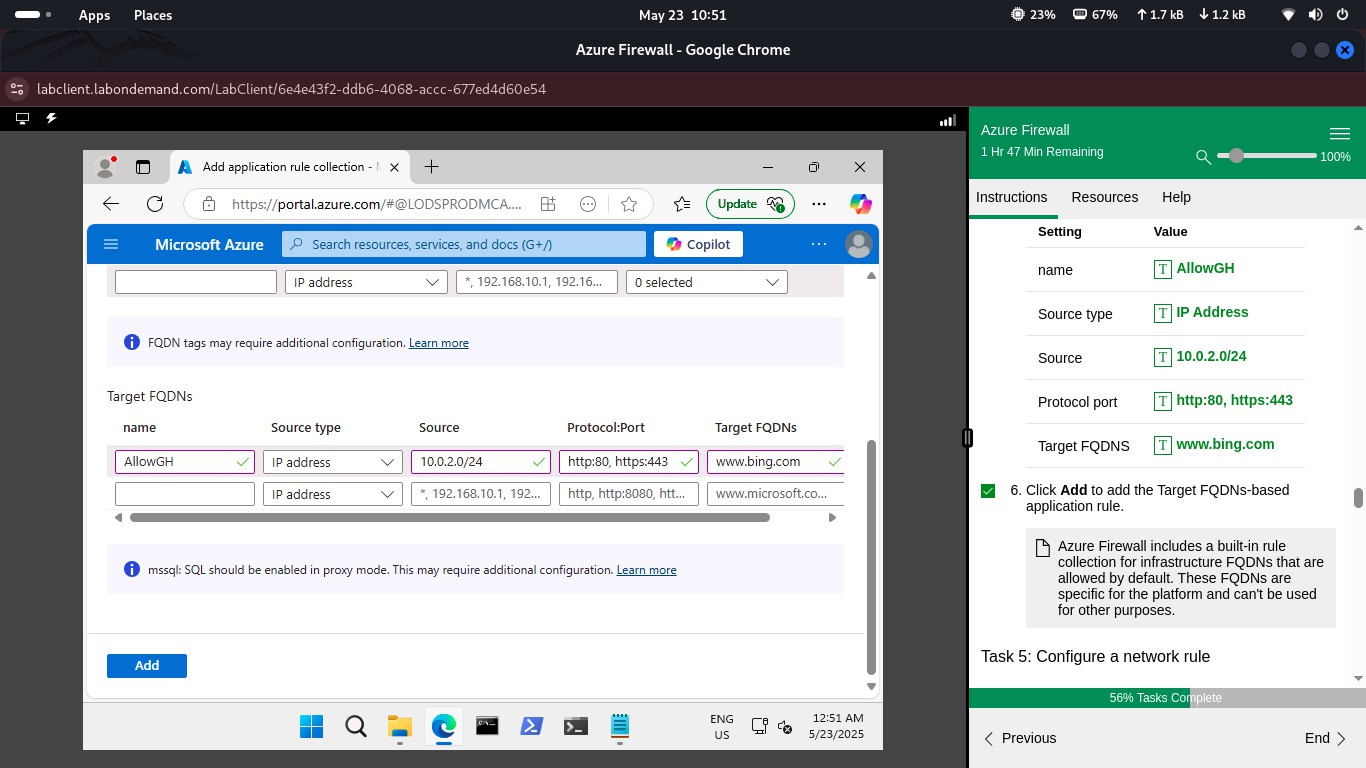
Step 5: Configure Azure Firewall Application Rule
I created an application rule collection named AllowGvn to permit outbound HTTPS access to specific domains like Google and Bing.
📸 Screenshot:
 Step 5 – Firewall Application Rule
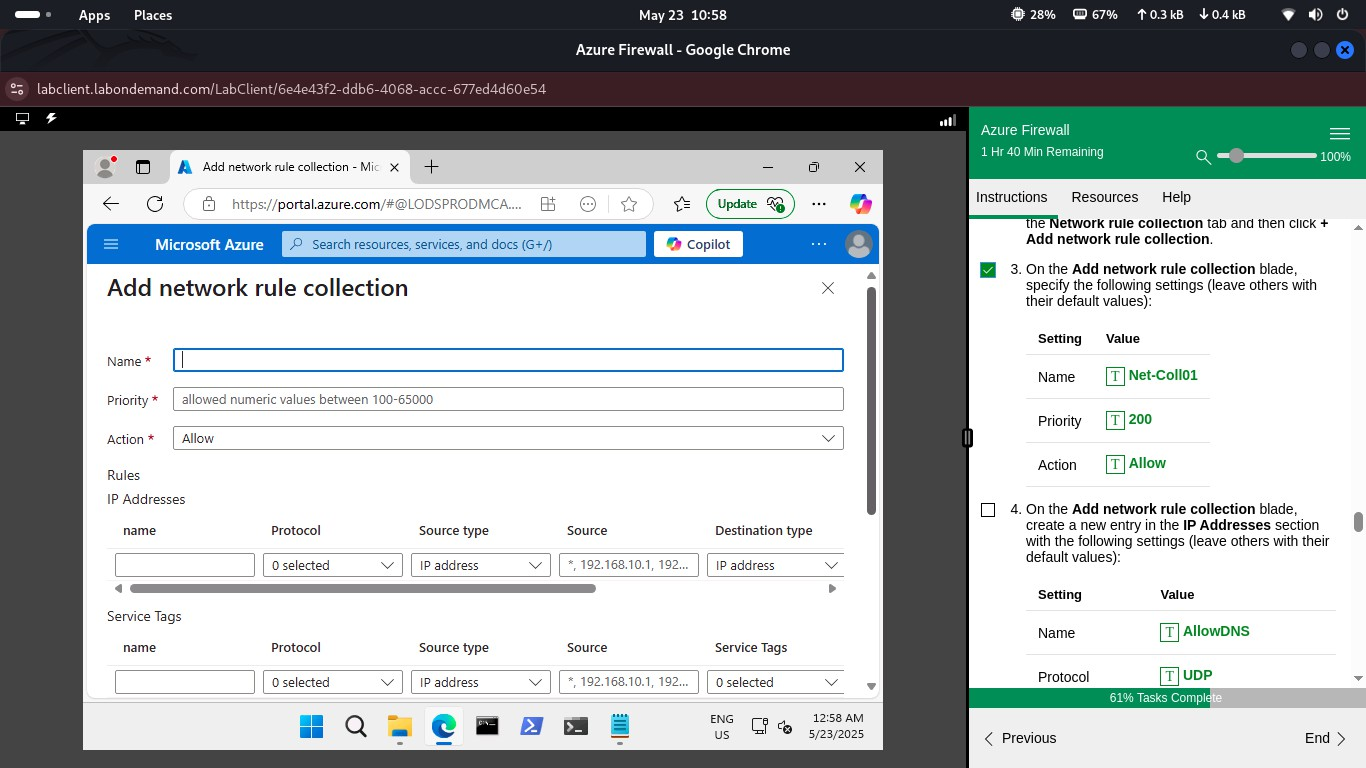
Step 6: Add Network Rule Collection
To control internal traffic, I added a network rule collection that allows UDP traffic between defined IP ranges and ports.
📸 Screenshot:
 Step 6 – Network Rule Collection
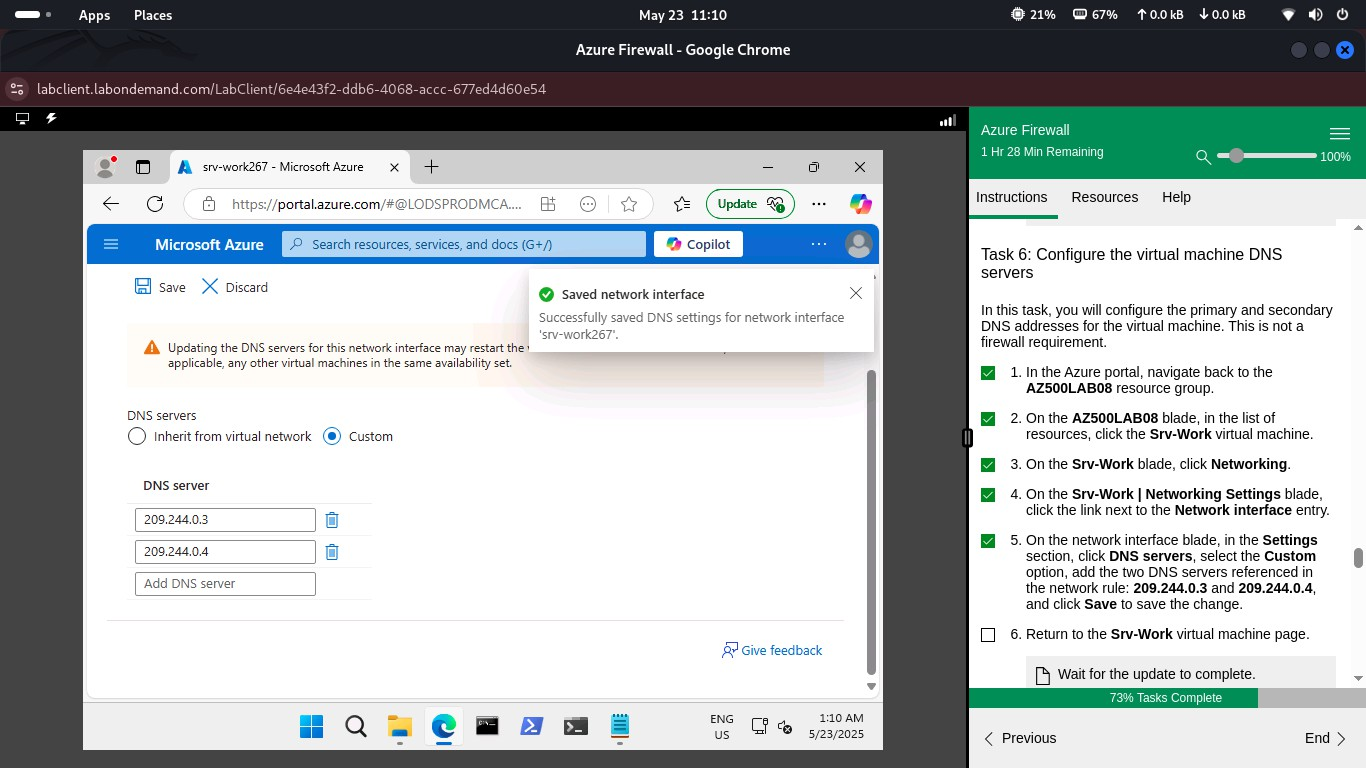
Step 7: Configure Custom DNS Servers
I configured custom DNS servers (Google and Cloudflare) on the nic-firewall network interface to ensure reliable name resolution.
📸 Screenshot:
 Step 7 – Custom DNS Settings
Step 8: Validate Firewall Rules from Test VM
Using nslookup and curl from the test VM, I validated that outbound traffic was correctly routed through Azure Firewall.
📸 Screenshot:
 Step 8 – Firewall Validation from VM
Step 9: Create Virtual Network and Subnets
I created a virtual network named FirewallVNet with three subnets: AzureFirewallSubnet, Workload-SN, and Jump-SN, to segment traffic and enforce security boundaries.
📸 Screenshot:
 Step 9 – VNet and Subnets
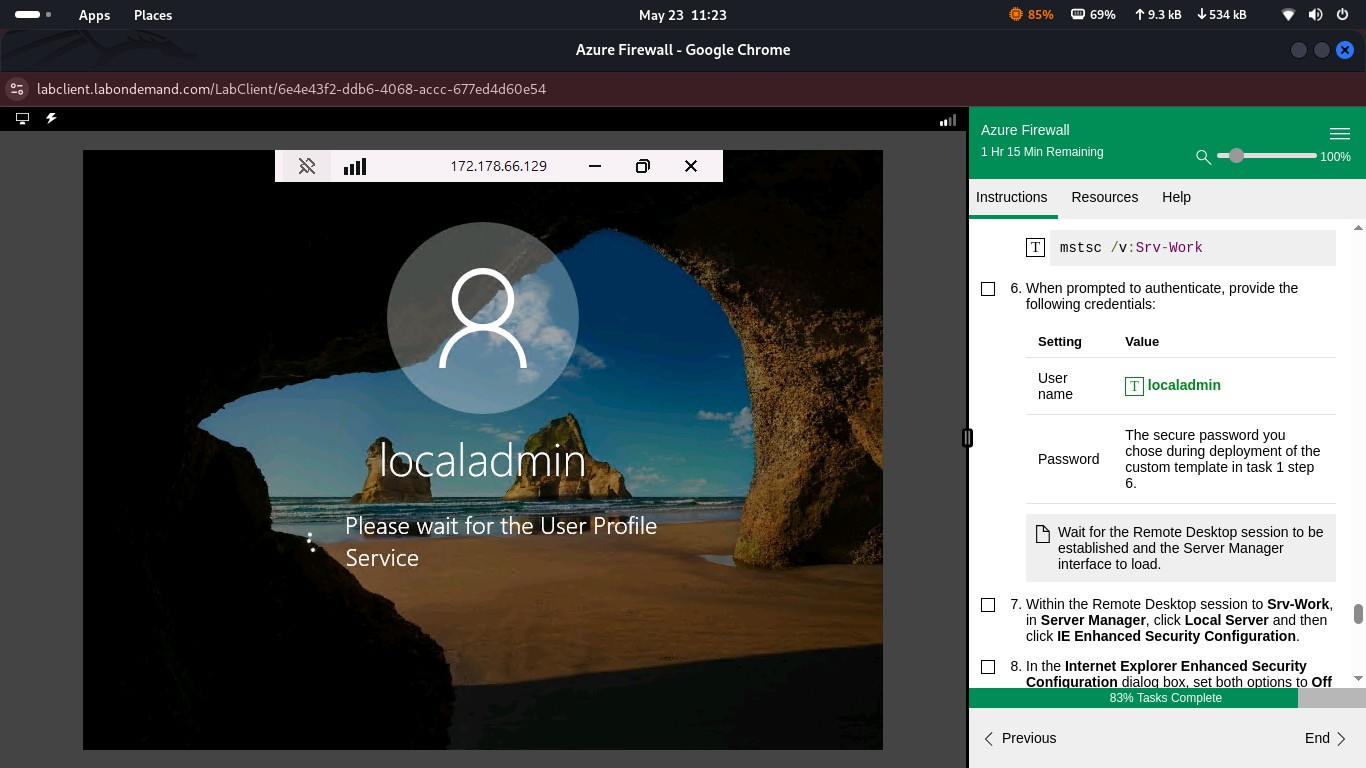
Step 10: Test Access to Workload VM
I logged into the workload VM (rsrv-lwrk) via Remote Desktop and confirmed connectivity and profile loading.
📸 Screenshot:
 Step 10 – RDP Login to Workload VM
Step 11: Confirm Public IP Routing via Browser
From the VM, I browsed to http://10.0.1.4 and http://10.0.2.4 to test firewall rules. The first succeeded, the second was blocked — confirming rule enforcement.
📸 Screenshot:
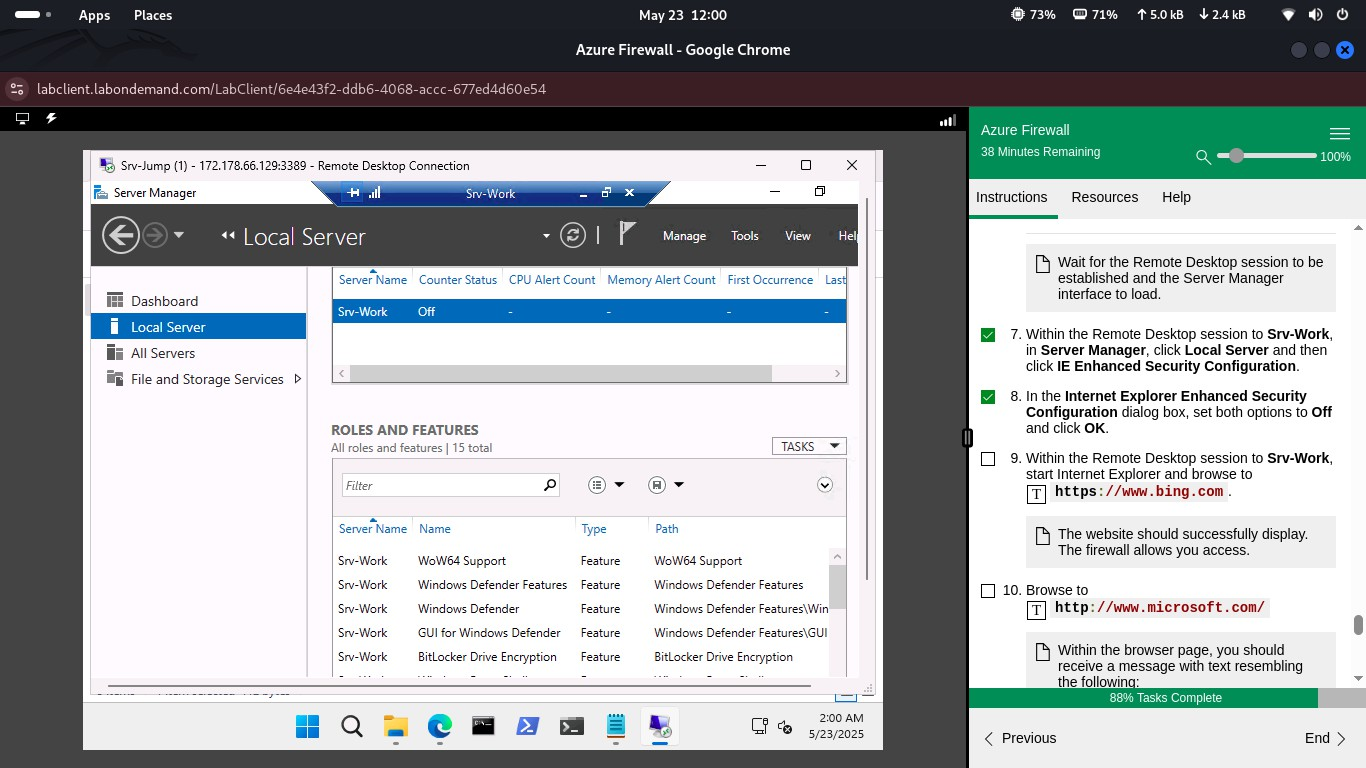 Step 11 – Public IP Validation
Summary
This lab demonstrated secure ACR and AKS configuration with proper role assignments, firewall rules, and DNS settings. All firewall rules and network segmentation were successfully validated.