Azure Network Security Groups & Application Security Groups
Introduction
This lab demonstrates how to secure Azure virtual machines using Network Security Groups (NSGs) and Application Security Groups (ASGs). By logically grouping VMs and applying targeted inbound rules, I isolated traffic for Web Servers and Management Servers, enhancing role-based access control and overall cloud security posture.
Objectives
- Create resource group and virtual network
- Define Application Security Groups (ASGs)
- Deploy virtual machines for web and management roles
- Associate NICs with ASGs
- Configure NSGs with role-based inbound rules
- Validate traffic filtering and rule enforcement
Prerequisites
- Azure subscription with contributor or admin access
- Skillable lab environment or Azure sandbox
- Familiarity with Azure Portal and VM deployment
Walkthrough
Task 1: Create Resource Group & Virtual Network
- Created resource group
RG-SecurityLabin East Africa - Deployed virtual network
VNet-SecurityLabwith subnets for Web and Management servers
📸 Screenshot: Resource group creation
 Resource Group
📸 Screenshot: Virtual network setup
 Virtual Network
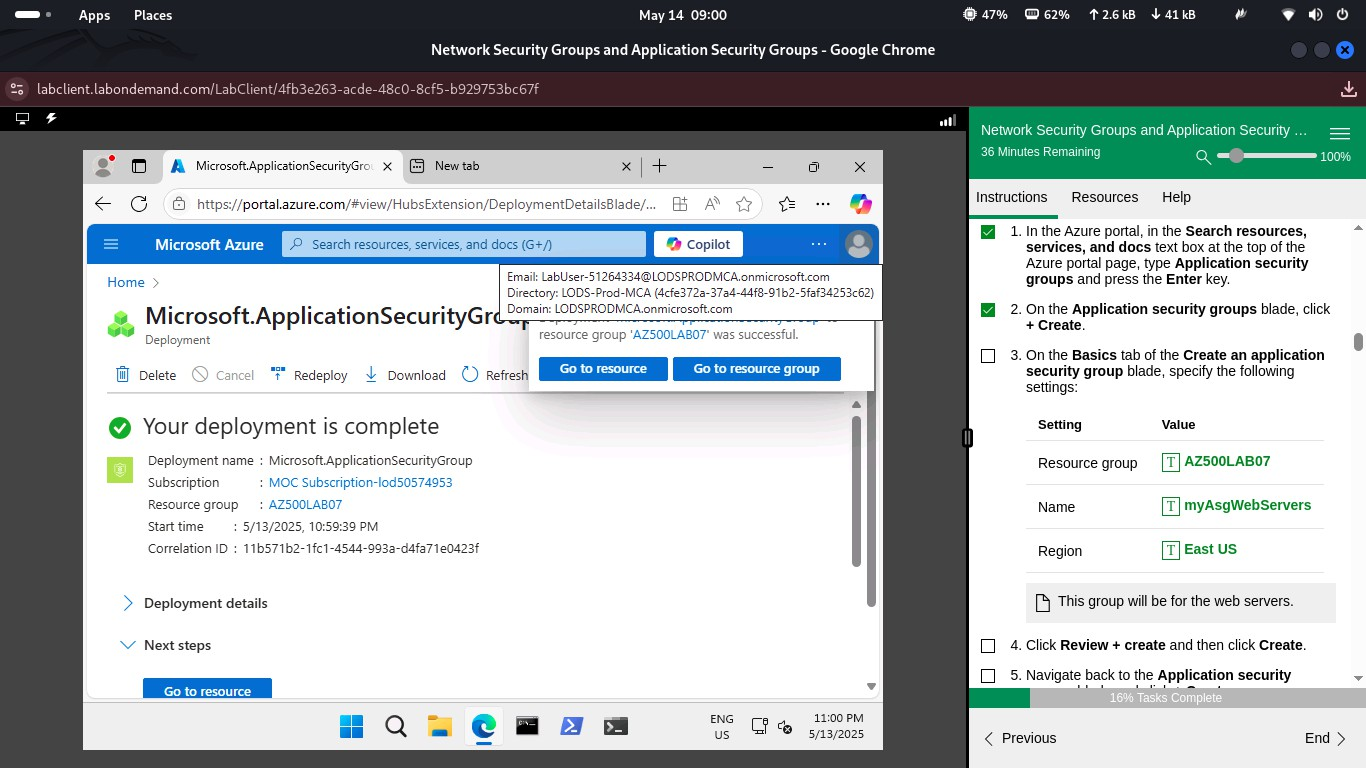
Task 2: Create Application Security Groups
- Created ASG
ASG-Webfor web servers - Created ASG
ASG-Managementfor management servers
📸 Screenshot: ASG for web servers
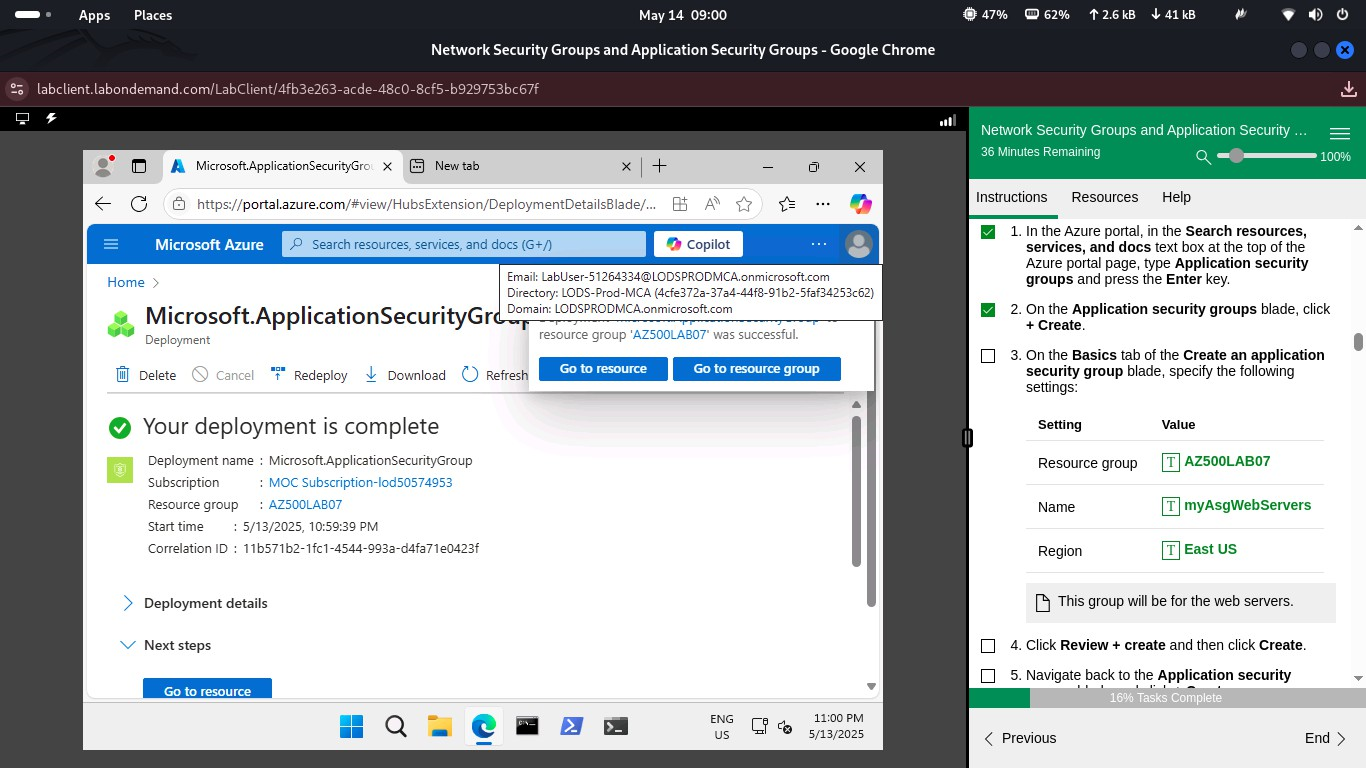 ASG - Web
📸 Screenshot: ASG for management servers
 ASG - Management
Task 3: Deploy Virtual Machines
- Deployed Web Server VM with IIS installed
- Deployed Management Server VM configured for RDP access
📸 Screenshot: Web VM deployment
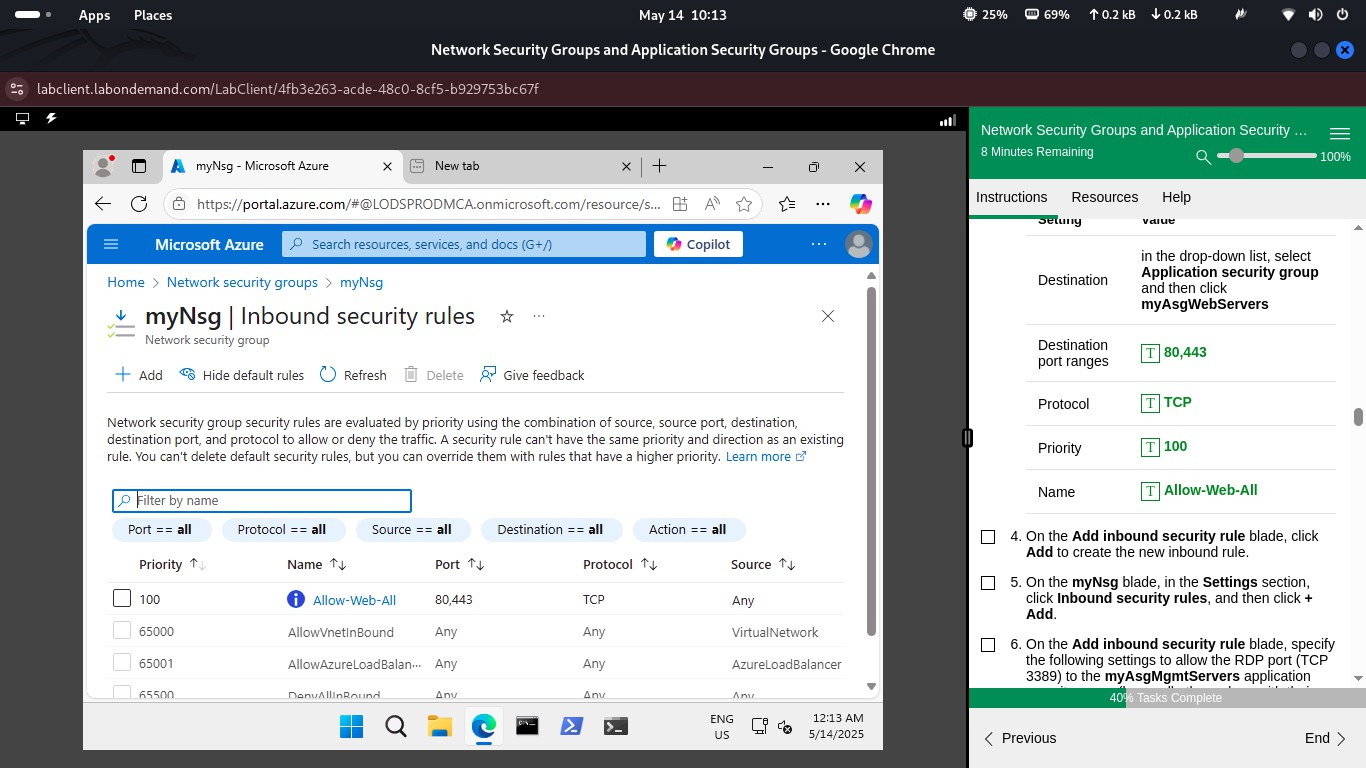 Web VM
📸 Screenshot: Management VM deployment
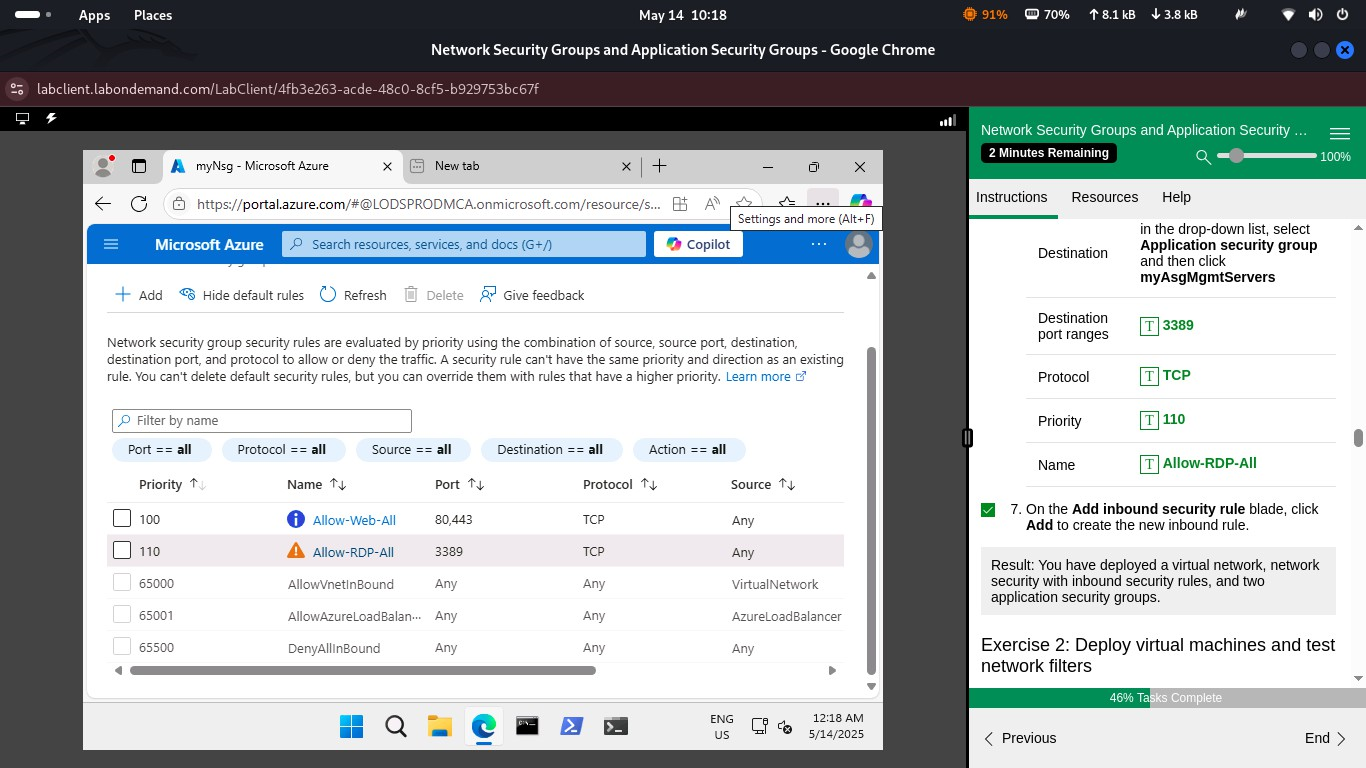 Management VM
Task 4: Associate NICs with ASGs
- Associated Web VM NIC with
ASG-Web - Associated Management VM NIC with
ASG-Management
📸 Screenshot: NIC association with ASGs
 NIC Association
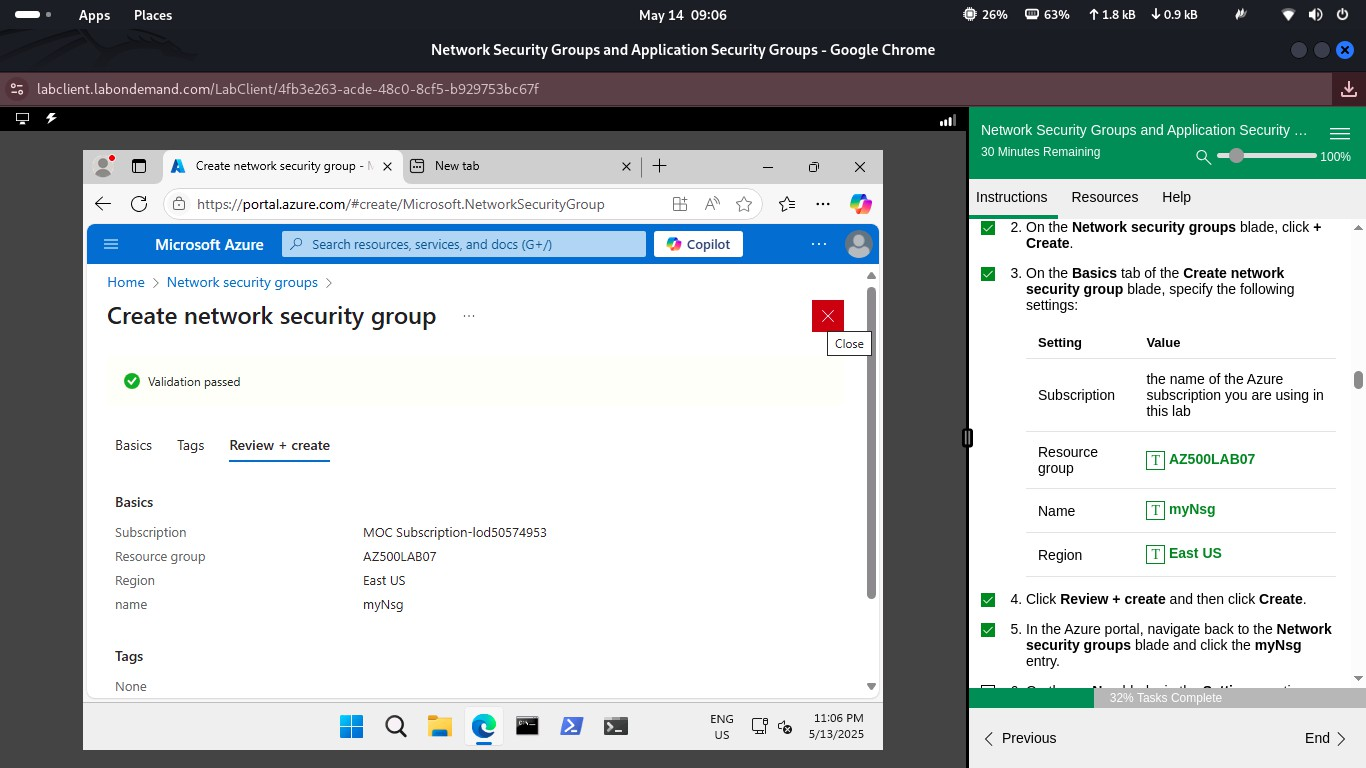
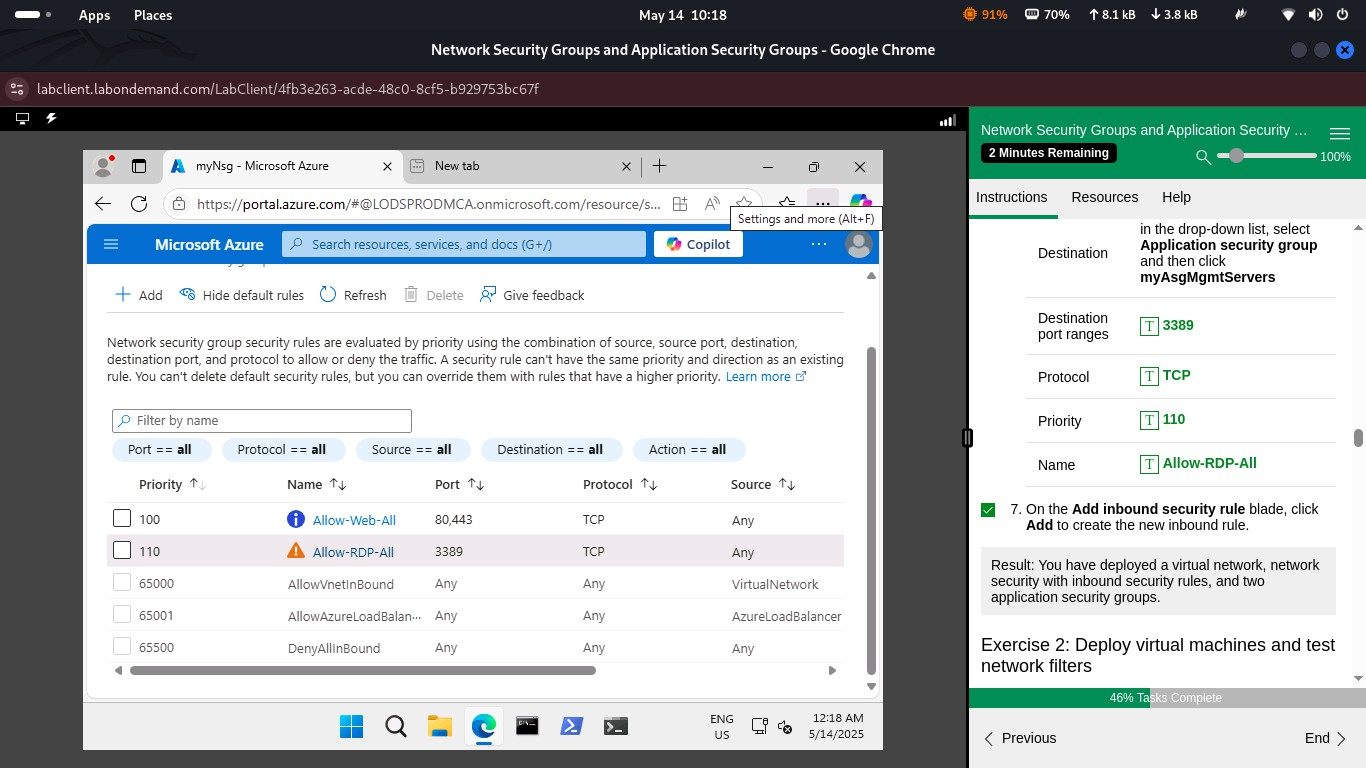
Task 5: Configure Network Security Groups
- Created NSG for Web servers: allowed HTTP (port 80), blocked RDP
- Created NSG for Management servers: allowed RDP (port 3389) from trusted IPs, blocked HTTP
📸 Screenshot: NSG for web access
 NSG - Web
📸 Screenshot: NSG for management access
 NSG - Management
Task 6: Validate Traffic Filtering
- Tested HTTP access to Web VM (successful)
- Tested RDP access to Management VM (successful)
- Attempted cross-VM traffic (blocked as configured)
📸 Screenshot: Successful HTTP access to Web Server
 HTTP Access to Web Server
📸 Screenshot: Successful RDP connection to Management Server
 RDP Access to Management Server
Summary
This lab successfully demonstrated how to use NSGs and ASGs to implement role-based network security. Web servers were isolated to HTTP only, while management servers were restricted to RDP with proper rule enforcement.